
Welcome, Doctor! 👋
How the evening works
You'll join us in Zoom. Attendees watch the polished show inside Cvent, never in Zoom, so you won't see them and they can't jump on camera. Many talks are pre-recorded, and live segments (Welcome, Product Theaters, Panel) come straight from your Zoom camera. We handle graphics, videos and the stream. You just teach.
📅 Tuesday 10/6 Agenda (Acne & Rosacea)
Arrive in Zoom: 5:30 PM ET (4:30 PM CT). We do a quick camera, mic and slide check with each of you.
Zoom link: us06web.zoom.us/j/87803188926 (ID 878 0318 8926)
| ET | Session | Who | |
|---|---|---|---|
| 6:00 | Welcome and Introductions | Emmy Graber, MD | LIVE |
| 6:05 | OTC and Prescription Topical Treatments to Treat Acne and its Sequelae | Ted Lain, MD | RECORDED |
| 6:30 | Isotretinoin Tips and Tricks | Hilary Baldwin, MD | RECORDED |
| 6:55 | Break | ||
| 7:00 | Product Theater: Beyond the Filter: Advances in Sun Protection for Acne-Prone Patients (not CME) | Peter Lio, MD | LIVE |
| 7:20 | Product Theater: The First Triple-Combination Topical for Acne (not CME) | Hilary Baldwin, MD | LIVE |
| 7:50 | Break | ||
| 8:00 | Treating Acne in the Adult Female Patient | Julie Harper, MD | RECORDED |
| 8:30 | Oral and Topical Antibiotics for Acne and Rosacea | John Barbieri, MD, MBA | RECORDED |
| 9:00 | Panel Talk | Graber, Lain, Baldwin, Harper, Barbieri | LIVE |
| 9:30 | Wrap |
Coming up: 10/13 Atopic Derm & Alopecia Areata · 10/20 HS & CSU · 10/27 Cutaneous Lupus. All 6:00 to 9:30 PM ET (Lupus 6:00 to 7:30).
🧰 Presenter Toolkit
Face a window or lamp. Never sit with a bright window behind you.
Stack books under the laptop. Frame from mid-chest up with a little headroom.
Kills echo and feedback. Mute phones and notifications.
Close other apps, VPNs and big downloads. Plug in your charger.
Door closed, pets out. Avoid virtual backgrounds if you can.
Don't worry. Rejoin the same Zoom link, and we cover it on air. Text Jared if stuck.
🖱️ Your slides, your control
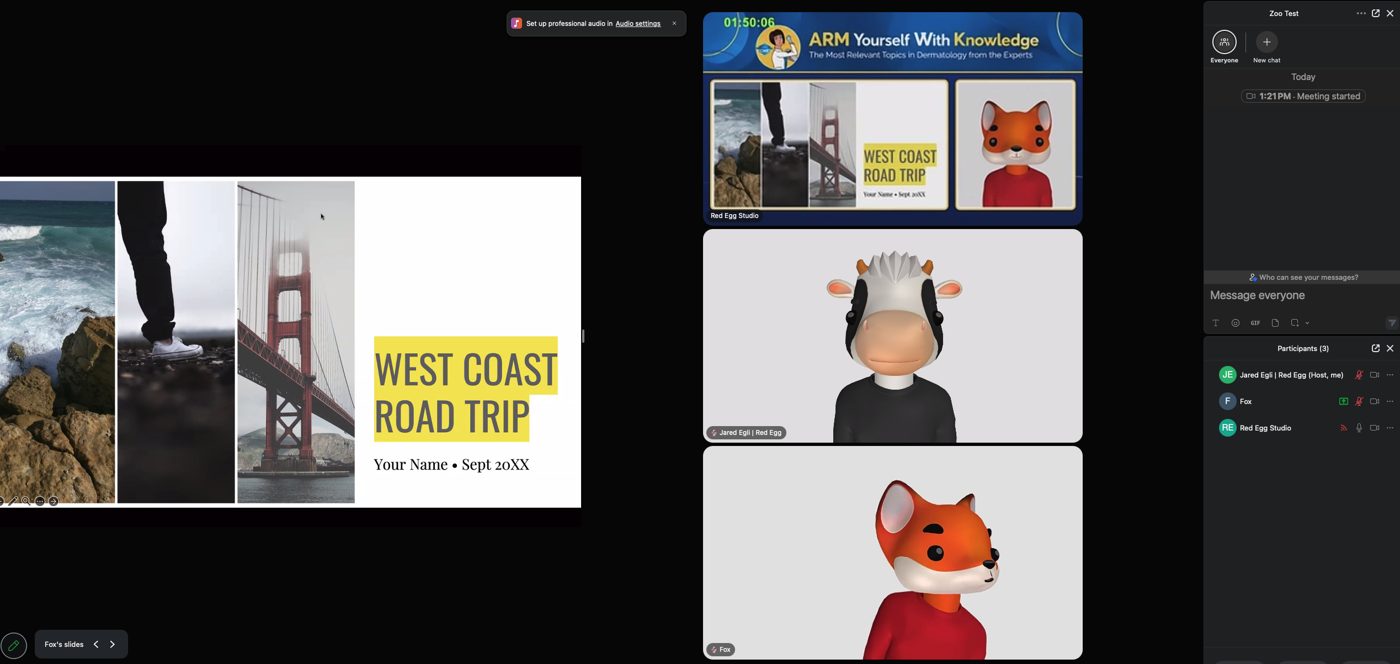
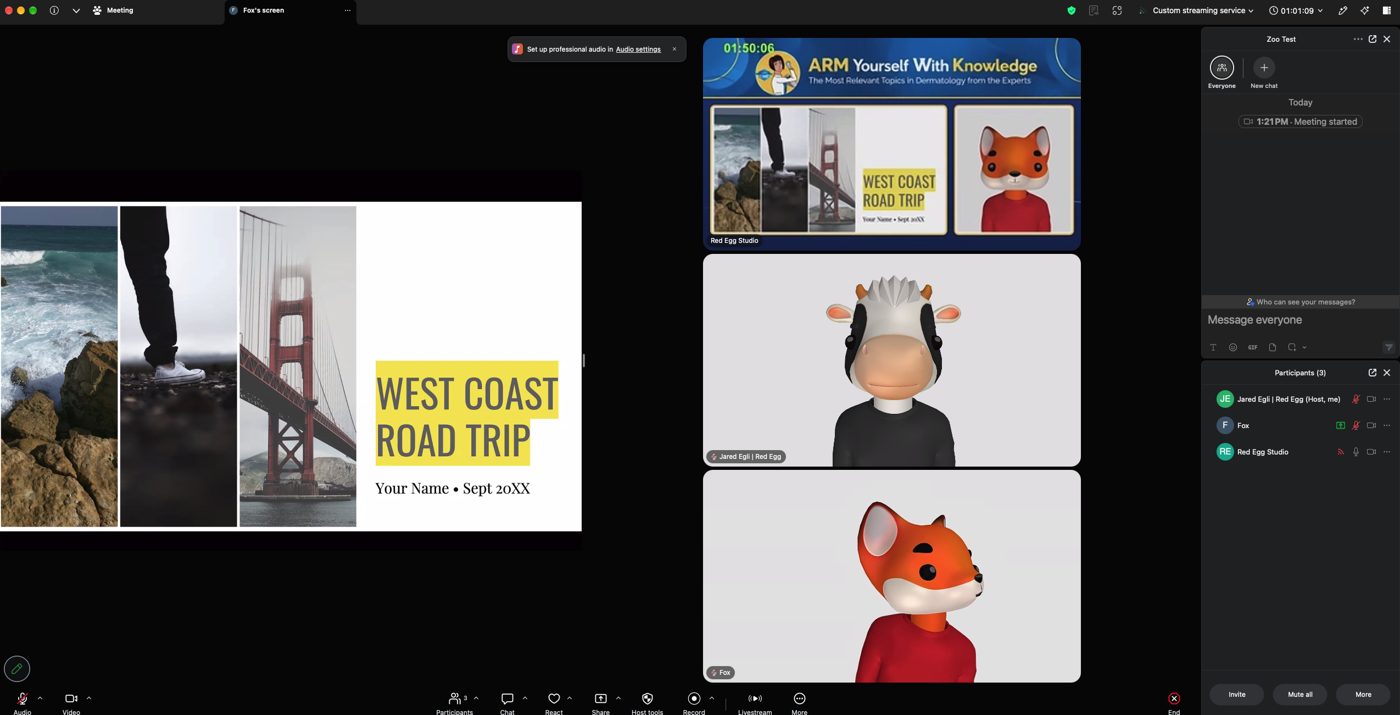
We host your slides, so nothing to share and no fumbling. When your talk starts, a Zoom pop-up asks you to accept slide control (bottom left). Click accept, then use your arrow keys or mouse click to advance. That's it!
📞 Directory
| Role | Name | Cell | |
|---|---|---|---|
| Producer (call me first!) | Jared Egli, Red Egg | 570.220.5400 | jared@redeggtechnology.com |
| Client Lead | Karen Dennis, MD Meeting Designs | 617.968.7219 | kdennis@mdmeetingdesigns.com |
| Client | Jane Fox, MD Meeting Designs | jfox@mdmeetingdesigns.com | |
| Chair / Moderator | Dr. Emmy Graber | 717.512.6444 | egraber@dermboston.com |
| vMix / Stream Op | Joel Cosand, Red Egg | 615.210.0607 | |
| GFX Op (slides + Zoom share) | Alan Luster, Red Egg | ||
| Cvent Attendee Hub Support | Cvent | 866.318.4357 x122 |
🎭 Who does what
Run the Cvent admin side, watch chat and Q&A, post the chat messages below, pass top questions to Dr. Graber.
Welcomes, introduces each talk, moderates the panel and reads Q&A.
Zoom, slides, videos, graphics, the stream into Cvent, backup stream, and keeping time. You don't touch any tech.
✅ Open Action Items
- ☐ Karen: send the event survey link so we can add it to the closing chat post.
- ☐ Karen: confirm Product Theater presenters (Lio, Baldwin) have their Zoom link and arrive by 5:30 PM ET.
- ☑ Frames approved, recorded talks edited and loaded.
- ☑ Cvent stream tests complete (9/29 to 10/2).
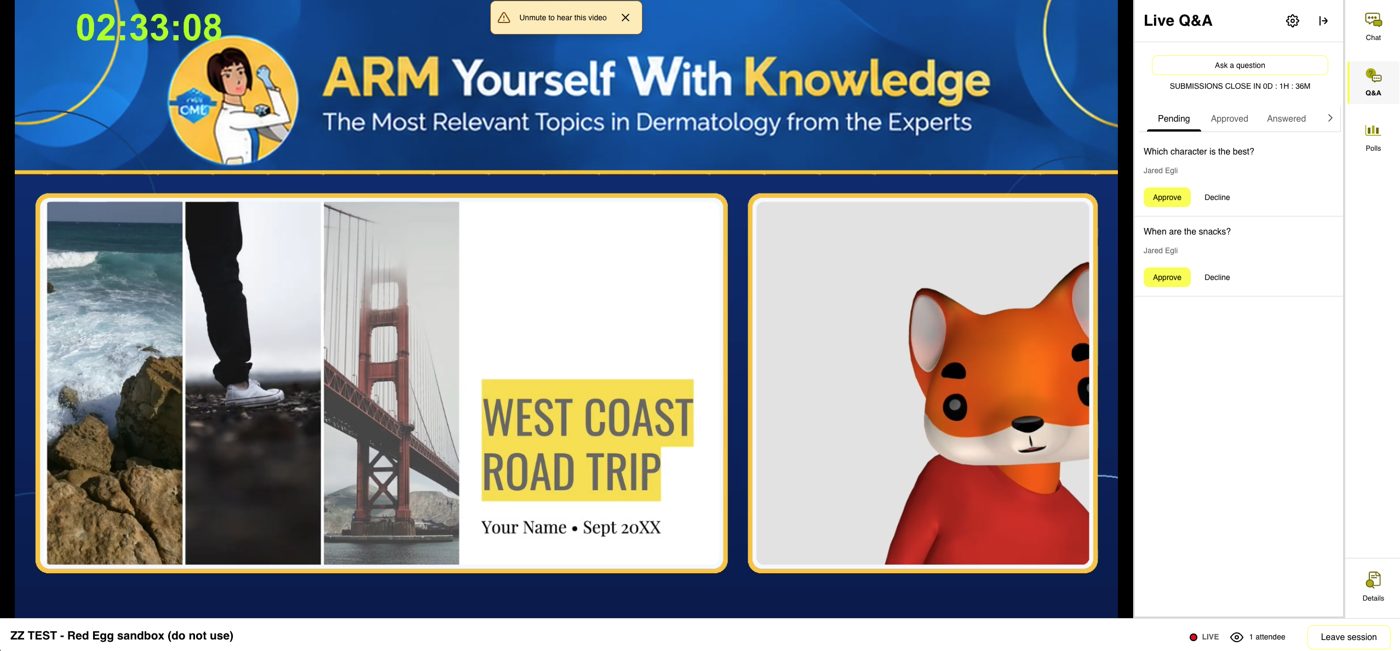
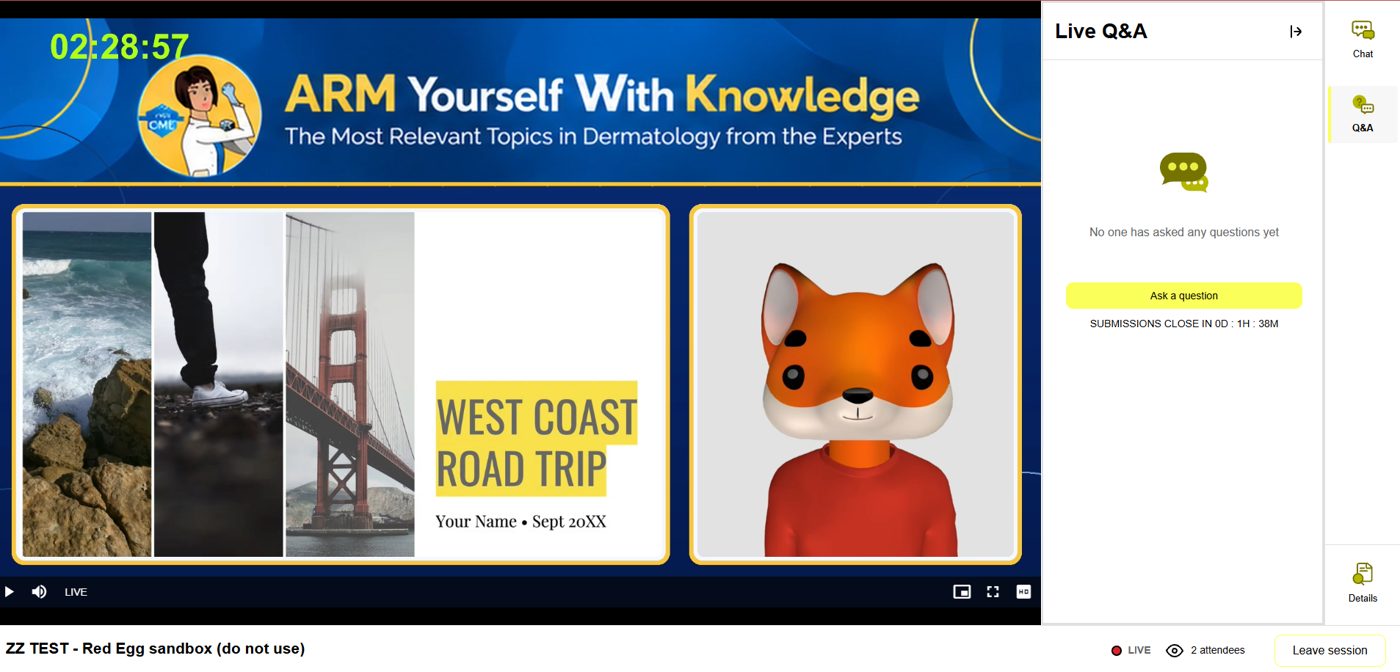
👀 What everyone sees
🖼️ Show Frames
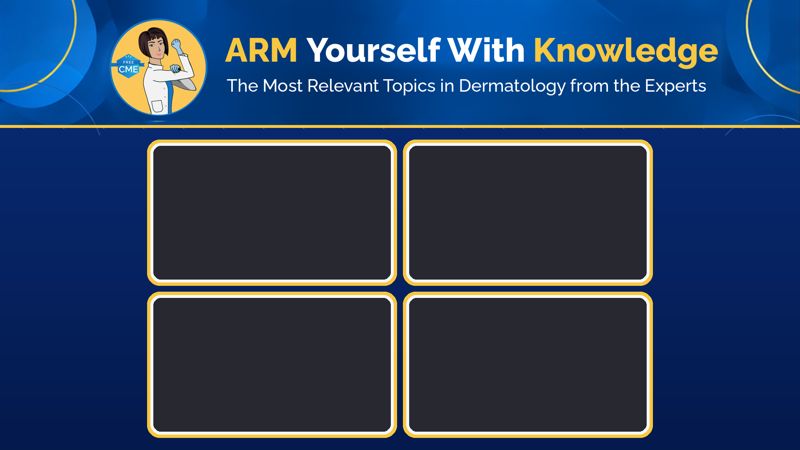
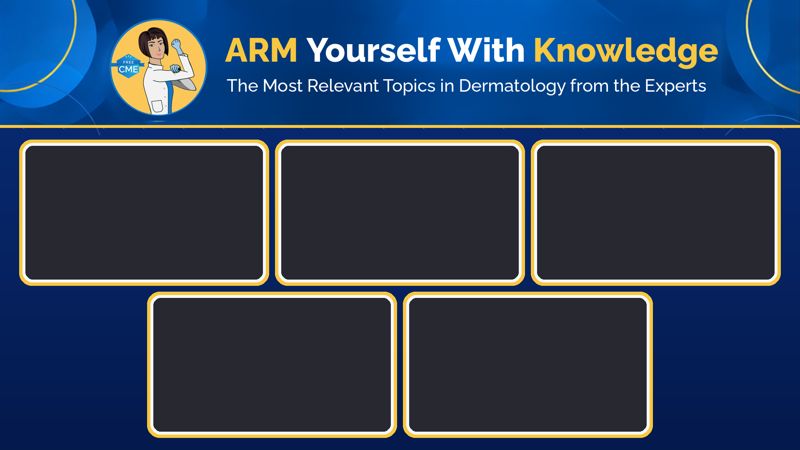
❓ How Q&A works
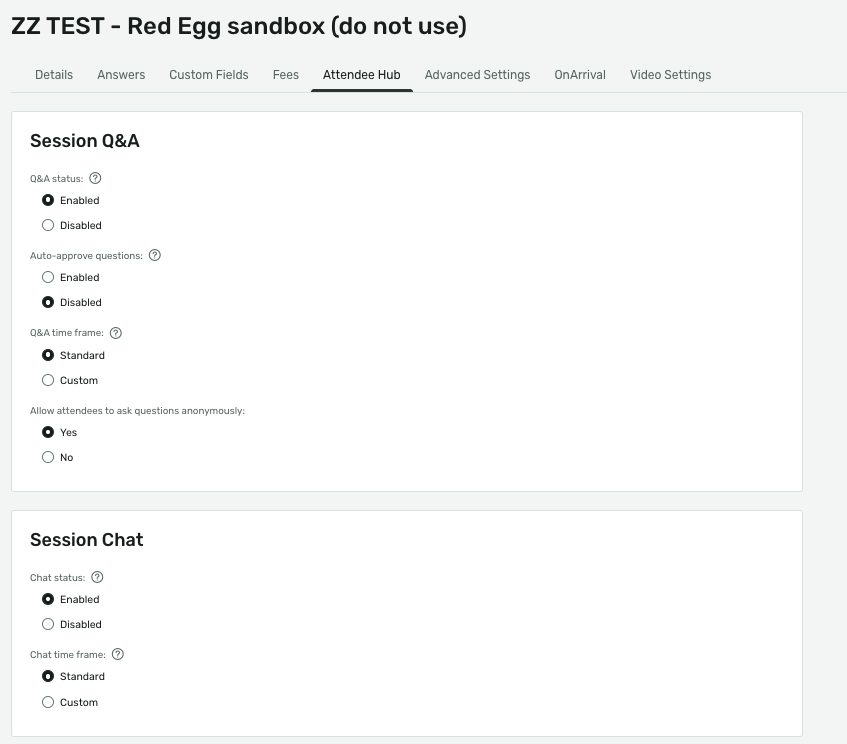
Attendees type questions in the Cvent Q&A panel next to the video. You see them on the admin side, pick the best ones, and send them to Dr. Graber (text or the Zoom chat) for the Panel Talk at 9:00 PM ET. Chat is for hellos and links, Q&A is for questions. Current settings:
🆘 If this happens, do this
Call Jared. We hold on a graphic or roll their recorded video and keep the show moving.
Refresh the page first. Still down? Call Jared. We switch to the backup stream straight from Zoom.
Send them the attendee link below, then Cvent Hub support: 866.318.4357 x122.
💬 Chat posts (tap to copy)
🔀 How the signal flows
- GFX op (Alan) shares slides into Zoom and gives slide control to each presenter.
- vMix op (Joel) on RET1 runs frames, recorded videos and the stream from the Stream Deck XL. Second PC = hot standby.
- Backup stream: Zoom ➜ Live on Custom Streaming Service ➜ Cvent RTMP.
- Q&A: attendees ask in Cvent, Karen/Jane curate, Dr. Graber reads during the panel.
- Cvent RTMP URL goes live 90 min before session start and drops 30 min after start if unused.
⏱️ Show-day timeline (10/6, CT)
| CT | ET | What |
|---|---|---|
| 3:00 | 4:00 | Rehearsal (Red Egg + Karen) |
| 3:45 | 4:45 | Reset |
| 4:00 | 5:00 | Presenter login opens |
| 4:30 | 5:30 | Presenters arrive, checks |
| 4:55 | 5:55 | Start stream + record, bumper loop |
| 5:00 | 6:00 | SHOW |
| 8:30 | 9:30 | Outro, bumper, end |
📂 Files
Open folder ➜
Open folder ➜
ARM 10 7 26 v2.vmix · ARM_2026_Joel_StreamDeckXL v2.companionconfig · 6 frames
📝 Live Run of Show (edit right here)
Sign in with your Red Egg Google account to edit. Open full screen ➜
Welcome to ARM 2026! 🎉
Everything happens in one place. Click below, log in, and the show plays right in your browser.
▶ Join the EventUse Chrome, Edge or Safari on a laptop for the best view. No Zoom needed.
Type questions in the Q&A tab next to the video. Faculty answer during the live panel.
Refresh your browser. Still stuck? Call Cvent support: 866.318.4357 x122.
Complete the survey at the end of the evening.